Smartwatch Security and Privacy Protecting Your Data
Learn about smartwatch security and privacy concerns. Discover tips to protect your personal data on wearable devices.
Learn about smartwatch security and privacy concerns. Discover tips to protect your personal data on wearable devices.
Smartwatch Security and Privacy Protecting Your Data
Hey there, tech enthusiasts! So, you've got a shiny new smartwatch strapped to your wrist, right? It's super convenient for checking notifications, tracking your fitness, and even making payments. But have you ever stopped to think about the data it's collecting and where it's all going? In today's digital age, privacy and security are bigger deals than ever, and your smartwatch is no exception. Let's dive deep into how to keep your personal info safe and sound on your wearable.
Why Smartwatch Security Matters Your Digital Footprint
Think about it: your smartwatch is practically an extension of you. It knows your heart rate, your sleep patterns, where you've been, and even who you're talking to. That's a goldmine of personal data! If this information falls into the wrong hands, it could lead to identity theft, targeted advertising, or even physical security risks. We're talking about sensitive health data, location history, and financial information if you're using contactless payments. Protecting this data isn't just about avoiding spam; it's about safeguarding your entire digital footprint.
Common Smartwatch Security Risks and Vulnerabilities
It's not all doom and gloom, but it's good to be aware of the potential pitfalls. Here are some common security risks associated with smartwatches:
Data Breaches and Hacking Smartwatch Data Theft
Just like any connected device, smartwatches can be targets for hackers. A data breach could expose your personal information stored on the device or in the cloud. This could include health metrics, personal contacts, and even payment card details if not properly encrypted.
Bluetooth Vulnerabilities and Eavesdropping
Most smartwatches connect to your phone via Bluetooth. While convenient, older or poorly implemented Bluetooth protocols can be vulnerable to eavesdropping. This means someone could potentially intercept data being transmitted between your watch and phone.
Malware and Phishing Attacks Smartwatch Malware
Though less common than on smartphones or computers, smartwatches aren't immune to malware. Malicious apps or phishing attempts could trick you into revealing sensitive information or compromise your device's functionality.
Location Tracking and Privacy Concerns GPS Data
Many smartwatches have GPS. While great for tracking runs, it also means your location history is being recorded. If this data isn't properly secured, it could reveal your daily routines, home address, and other sensitive location information.
Unsecured Wi-Fi Connections Public Wi-Fi Risks
If your smartwatch connects to Wi-Fi, especially public networks, it could be exposed to risks. Unsecured Wi-Fi can allow others on the same network to snoop on your data traffic.
Essential Tips for Smartwatch Security and Data Protection
Alright, now for the good stuff! Here's how you can beef up your smartwatch's security and keep your data locked down:
Keep Your Smartwatch Software Updated Firmware Updates
This is probably the most crucial step. Manufacturers regularly release software updates that include security patches to fix vulnerabilities. Always install these updates as soon as they're available. It's like putting on a fresh coat of armor for your device.
Use Strong Passcodes and Biometrics Smartwatch Lock Screen
Just like your phone, set a strong passcode or PIN on your smartwatch. Many smartwatches also offer biometric authentication like wrist detection or even fingerprint sensors. Enable these features to prevent unauthorized access if your watch is lost or stolen.
Review App Permissions Smartwatch App Privacy
When you install new apps on your smartwatch, pay attention to the permissions they request. Does a simple watch face really need access to your microphone or location? Grant only the necessary permissions. If an app asks for too much, it might be a red flag.
Be Mindful of Public Wi-Fi Networks Secure Connections
Avoid connecting your smartwatch to unsecured public Wi-Fi networks. If you must, use a Virtual Private Network (VPN) if your smartwatch supports it, or stick to your phone's cellular data connection.
Enable Two-Factor Authentication 2FA for Smartwatches
If your smartwatch accounts (like your fitness tracking platform) support two-factor authentication (2FA), enable it! This adds an extra layer of security, requiring a second verification step in addition to your password.
Encrypt Your Data Smartwatch Data Encryption
Many modern smartwatches offer data encryption. Check your device's settings to ensure this feature is enabled. Encryption scrambles your data, making it unreadable to anyone without the correct decryption key.
Regularly Review Privacy Settings Smartwatch Privacy Controls
Take some time to go through your smartwatch's privacy settings. You might be surprised by what data is being collected and shared. Adjust these settings to your comfort level. For instance, you might want to limit location tracking for certain apps.
Be Cautious with Third-Party Apps and Watch Faces App Store Security
Only download apps and watch faces from official app stores (e.g., Apple App Store, Google Play Store). Third-party sources might contain malicious software. Even within official stores, read reviews and check developer reputations before downloading.
Disable Unused Features Smartwatch Battery and Security
If you're not using features like NFC, Wi-Fi, or GPS, consider temporarily disabling them. This not only saves battery life but also reduces potential attack vectors.
Perform a Factory Reset Before Selling or Donating Data Wipe
If you're selling, donating, or returning your smartwatch, always perform a factory reset. This wipes all your personal data from the device, preventing it from falling into the wrong hands.
Smartwatch Brands and Their Security Features A Quick Look
While specific features vary by model, here's a general overview of how some popular smartwatch brands approach security:
Apple Watch Security and Privacy Ecosystem
Apple is known for its strong emphasis on privacy and security. Apple Watches benefit from the robust security features of watchOS, including end-to-end encryption for health data, strong device encryption, and strict app review processes. Features like Wrist Detection automatically lock your watch when you take it off. Apple Pay uses tokenization for secure transactions. They also offer granular control over app permissions.
Samsung Galaxy Watch Security and Knox Platform
Samsung Galaxy Watches, running Wear OS or Tizen (older models), leverage Samsung Knox, an enterprise-grade security platform. This provides multi-layered protection from hardware to software. They offer secure boot, real-time kernel protection, and data encryption. Samsung Pay also uses tokenization for secure payments. Users can set PINs, patterns, or even use a fingerprint sensor on some models.
Garmin Smartwatch Security for Fitness Data
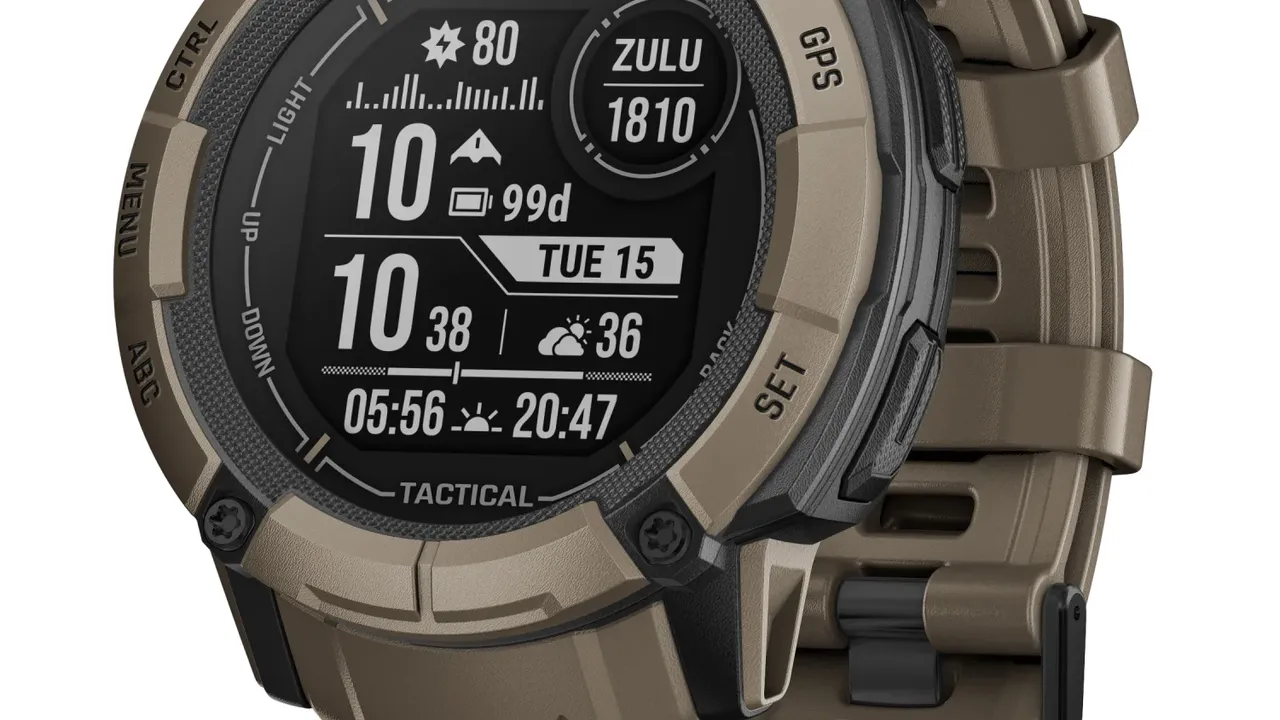
Garmin smartwatches primarily focus on fitness and outdoor activities. While they might not have the same level of general-purpose app integration as Apple or Samsung, they prioritize the security of your fitness and health data. Garmin Connect, their cloud platform, uses encryption for data in transit and at rest. Device security typically involves passcodes and secure pairing with your phone.
Fitbit Smartwatch Security and Health Data Protection
Fitbit, now part of Google, focuses heavily on health and wellness tracking. Their smartwatches and trackers collect a lot of sensitive health data. Fitbit emphasizes data encryption and secure storage on their servers. They also provide privacy controls for users to manage what data is shared. Device-level security usually includes PIN locks.
Google Pixel Watch Security and Wear OS
The Google Pixel Watch, running Wear OS, benefits from Google's security infrastructure. This includes secure boot, regular security updates, and data encryption. Google Pay on the Pixel Watch uses industry-standard tokenization. Google also provides tools for managing privacy settings and app permissions within Wear OS.
Real-World Scenarios and Practical Advice
Let's put this into perspective with a few common scenarios:
Scenario 1: Your Smartwatch is Lost or Stolen
If your smartwatch goes missing, the first thing you should do is use your phone's 'Find My Device' feature (e.g., Apple's Find My, Google's Find My Device, or Samsung's SmartThings Find) to locate it, lock it, or remotely wipe its data. This is why having a strong passcode and encryption enabled is so crucial. If you've set up contactless payments, you should also immediately suspend or remove your cards from the watch's payment system.
Scenario 2: You're Concerned About Health Data Privacy
Many smartwatches collect highly sensitive health data. Review the privacy policies of your smartwatch manufacturer and any third-party health apps you use. Understand how your data is collected, stored, and shared. Most platforms allow you to control what data is shared with third-party apps. For example, you might want to share your step count with a challenge app but keep your heart rate data private.
Scenario 3: You're Using Contactless Payments
Smartwatch payment systems like Apple Pay, Google Pay, and Samsung Pay are generally very secure because they use tokenization. This means your actual card number isn't stored on the watch or transmitted during a transaction. Instead, a unique, encrypted token is used. However, always ensure your watch is locked when not on your wrist, and use a strong passcode to authorize payments.
The Future of Smartwatch Security Emerging Trends
Security is an ever-evolving field, and smartwatches are no different. We can expect to see:
Enhanced Biometrics and Authentication
Beyond wrist detection, we might see more advanced biometric authentication methods, perhaps even continuous authentication based on unique physiological signals.
More Robust On-Device AI for Anomaly Detection
AI on the device could learn your normal patterns and flag unusual activity, potentially indicating a security breach or unauthorized access.
Decentralized Data Storage and Blockchain
While still nascent, some concepts explore using blockchain technology for more secure and user-controlled health data storage.
Improved Privacy Controls and Transparency
As users become more privacy-aware, manufacturers will likely offer even more granular control over data collection and sharing, along with clearer explanations of their privacy practices.
So, there you have it! Your smartwatch is an amazing piece of tech, but like any connected device, it requires a bit of attention to keep your personal data safe. By following these tips and staying informed, you can enjoy all the benefits of your wearable without compromising your privacy or security. Stay safe out there!
:max_bytes(150000):strip_icc()/277019-baked-pork-chops-with-cream-of-mushroom-soup-DDMFS-beauty-4x3-BG-7505-5762b731cf30447d9cbbbbbf387beafa.jpg)