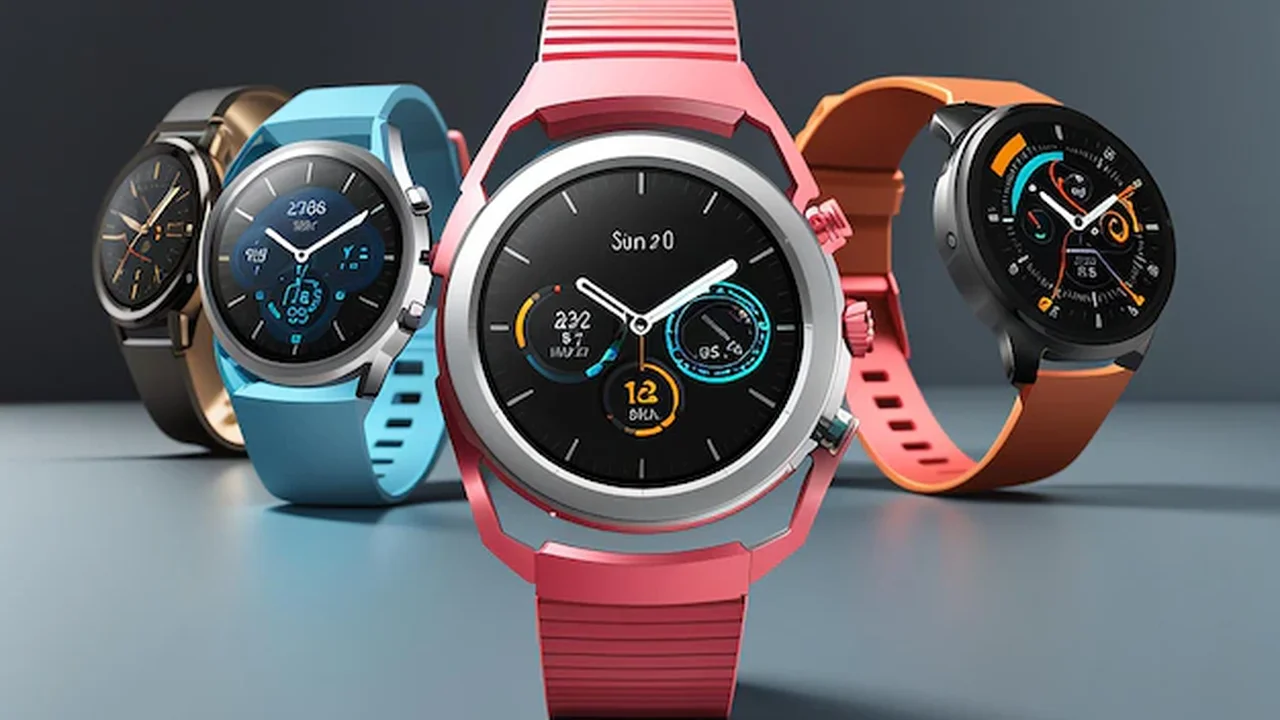
Personalize your smartwatch with custom bands, watch faces, and apps. Explore the endless possibilities for customization.
Personalize your smartwatch with custom bands, watch faces, and apps. Explore the endless possibilities for customization.
Smartwatch Customization Bands Faces and Apps
Why Personalize Your Smartwatch? Enhancing Your Wearable Experience
So, you've got a shiny new smartwatch on your wrist. It's sleek, it's smart, and it does a ton of cool stuff. But let's be real, out of the box, it's just another gadget. The real magic happens when you make it *yours*. Customizing your smartwatch isn't just about aesthetics; it's about making it a seamless extension of your personality, your style, and your daily routine. Think about it: your watch is probably the most visible tech you own. Why wouldn't you want it to reflect who you are? From expressing your mood to optimizing your workflow, personalization transforms a generic device into a truly personal assistant and fashion statement. Plus, let's not forget the fun factor – playing around with different looks and functionalities can be surprisingly addictive!
Smartwatch Bands The Ultimate Style Statement and Comfort Upgrade
Your smartwatch band is arguably the most impactful customization you can make. It's the first thing people notice, and it dictates how comfortable your watch feels throughout the day. Forget the default silicone band if it doesn't suit your vibe. There's a whole universe of options out there, each with its own pros and cons, and perfect for different scenarios.
Silicone Bands Durability and Sporty Versatility
Silicone bands are the workhorses of the smartwatch world. They're incredibly durable, water-resistant, and super comfortable for workouts. They come in a rainbow of colors, making them perfect for adding a pop of fun to your casual look or matching your gym attire. They're also generally the most affordable option. For example, Apple's Sport Bands are iconic for their comfort and range of colors, often retailing for around $49. Samsung's official silicone bands for the Galaxy Watch series are similarly priced and offer excellent sweat resistance. Third-party options from brands like Spigen or Supcase can be found for as little as $10-$20 on Amazon, offering great value.
* **Best for:** Workouts, swimming, casual wear, everyday use, budget-conscious users.
* **Pros:** Durable, water-resistant, comfortable, wide color selection, affordable.
* **Cons:** Can sometimes feel a bit sticky, less formal appearance.
Leather Bands Classic Elegance and Professional Appeal
When you want to elevate your smartwatch from a tech gadget to a sophisticated timepiece, a leather band is your go-to. They exude classic elegance and are perfect for office wear, formal events, or just when you want to look a bit more put-together. Leather ages beautifully, developing a unique patina over time. Brands like Nomad offer premium leather bands for Apple Watch starting around $70-$100, using high-quality Horween leather. For Samsung Galaxy Watch, Barton Watch Bands offer a fantastic selection of genuine leather straps for around $25-$50. Even Fossil, known for its traditional watches, offers stylish leather bands for its smartwatches.
* **Best for:** Business casual, formal events, everyday elegance, fashion-forward individuals.
* **Pros:** Stylish, comfortable, ages well, professional look.
* **Cons:** Not water-resistant (generally), requires more care, can be pricier.
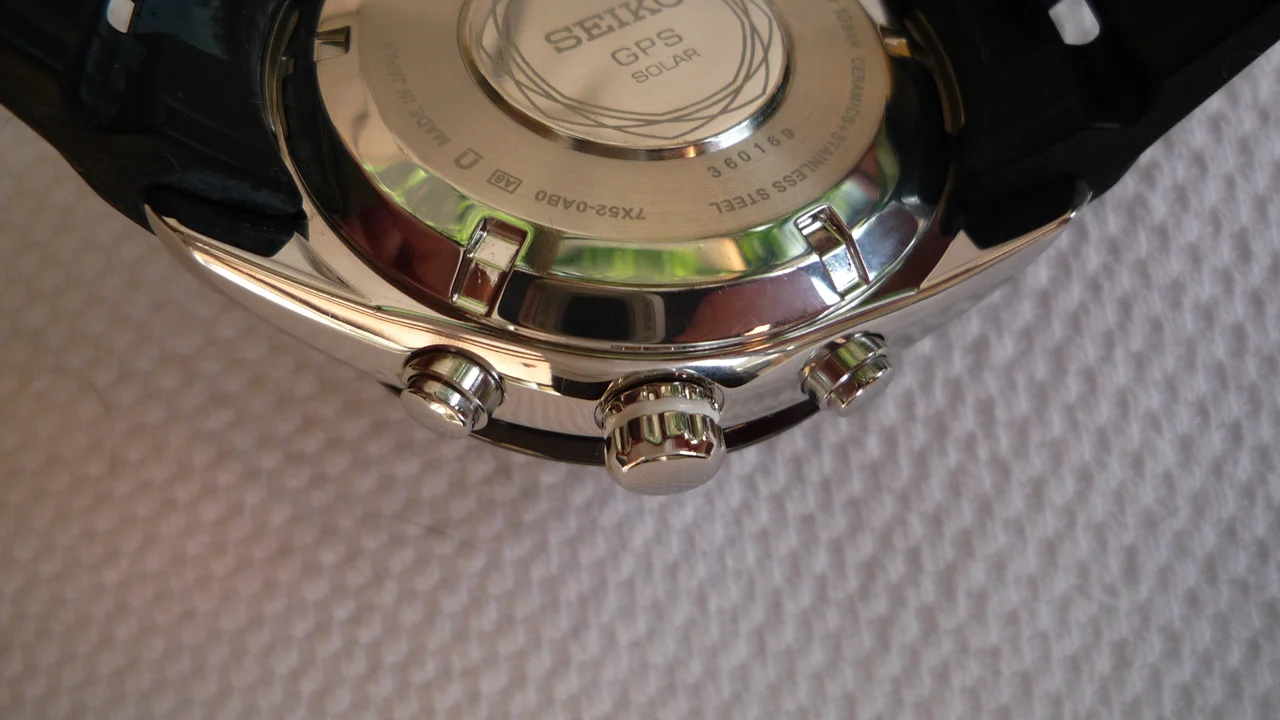
Metal Bands Robustness and Premium Feel
Metal bands, whether stainless steel link bracelets or Milanese loops, offer a premium, robust feel. They're heavier than silicone or leather but provide a substantial presence on your wrist. Link bracelets are classic and can be adjusted by removing links, while Milanese loops offer a sleek, magnetic closure that's infinitely adjustable. Apple's Milanese Loop is a popular choice for its elegant design, priced at $99. For a more traditional look, stainless steel link bracelets from brands like Spigen or third-party sellers can range from $30 to $100+. These are fantastic for making your smartwatch look like a high-end traditional watch.
* **Best for:** Formal wear, business settings, those who prefer a weighty, traditional watch feel.
* **Pros:** Durable, premium look and feel, secure fit.
* **Cons:** Can be heavy, may pull arm hair, can scratch easily, often requires tools for adjustment (link bracelets).
Nylon and Fabric Bands Lightweight Comfort and Casual Style
Nylon and fabric bands, like Apple's Sport Loop or Braided Solo Loop, offer a lightweight, breathable, and incredibly comfortable alternative. They're great for everyday wear, especially if you find silicone too sticky or metal too heavy. They come in a variety of textures and patterns, adding a casual yet stylish touch. Apple's Braided Solo Loop, for example, is priced at $99 and offers a unique, stretchy fit. Third-party nylon bands are widely available for $15-$30 and are excellent for adding a pop of color or a more relaxed vibe to your smartwatch.
* **Best for:** Everyday comfort, casual wear, active lifestyles (some are water-resistant).
* **Pros:** Lightweight, breathable, comfortable, wide range of colors/patterns, often washable.
* **Cons:** Can absorb sweat/odors if not cleaned, less formal.
Watch Faces Express Yourself Digitally
Beyond the physical band, your watch face is where digital personalization truly shines. It's the first thing you see when you raise your wrist, and it can convey information, express your mood, or simply look cool. Most smartwatches offer a plethora of pre-installed watch faces, but the real fun begins when you explore third-party options or create your own.
Pre-installed Watch Faces Versatility and Core Functionality
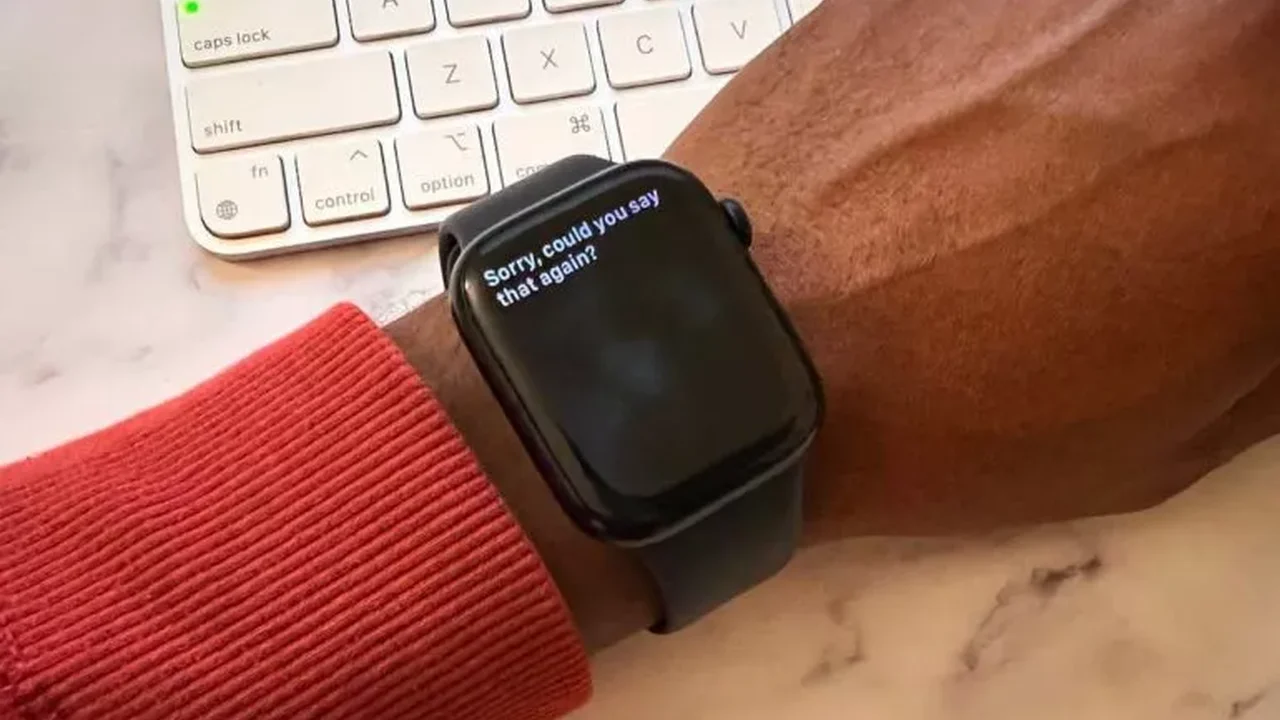
Every smartwatch comes with a selection of built-in watch faces. Apple Watch has a vast library, from minimalist to information-dense (like Infograph Modular). Samsung's Galaxy Watch offers a similar range, often with customizable complications. Google's Wear OS devices also provide a good starting point. These faces are usually optimized for battery life and performance, and many allow you to customize colors, complications (small widgets displaying information like weather, heart rate, or calendar events), and styles.
* **Example:** Apple Watch's 'Infograph Modular' allows for up to six complications, perfect for data junkies. Samsung's 'Digital Dashboard' offers quick access to health metrics.
Third-Party Watch Face Apps Endless Possibilities
This is where customization gets wild. Apps like Facer, WatchMaker, and Pujie Black (for Wear OS and Samsung) or dedicated apps on the Apple App Store offer thousands, if not millions, of user-created and designer watch faces. You can find faces inspired by classic watches, pop culture, abstract art, or even create your own from scratch. Many are free, while premium ones might cost a few dollars.
* **Facer (iOS/Android):** A massive community-driven platform. You can find everything from Rolex homages to animated Pokémon faces. Many are free, some premium designs cost $0.99-$2.99.
* **WatchMaker (Android):** Similar to Facer, offering deep customization tools for creating your own faces. Popular among enthusiasts for its flexibility. Premium features are unlocked with a one-time purchase of around $7.99.
* **Pujie Black (Android):** Known for its highly customizable and interactive watch faces. Users can design intricate layouts with custom complications. Costs around $1.99.
Creating Your Own Watch Face Ultimate Personalization
Some platforms, like WatchMaker, allow you to design your watch face from the ground up. You can choose backgrounds, fonts, hands, complications, and even add custom animations. This is for the truly dedicated, but it means your watch face can be 100% unique to you. Apple Watch also allows you to use your own photos as watch faces, which is a simple yet effective way to personalize.
* **Use Case:** Imagine a watch face with your pet's photo, or a custom design for your favorite sports team, or even a minimalist face with only the information you absolutely need.
Smartwatch Apps Expanding Functionality Beyond the Basics
While bands and faces are about aesthetics and quick info, apps are where your smartwatch truly becomes a powerful tool. The right apps can transform your watch from a notification machine into a productivity hub, a fitness coach, or even a remote control for your smart home.
Fitness and Health Apps Deeper Insights and Tracking
Beyond the built-in activity tracking, third-party fitness apps offer more specialized features. Strava for cycling and running, MyFitnessPal for calorie tracking, or dedicated meditation apps like Calm or Headspace can all be accessed from your wrist.
* **Strava (iOS/Android):** Track your runs and rides, see live stats, and join challenges. Free with premium subscription options.
* **Calm (iOS/Android):** Guided meditations and sleep stories directly on your watch. Free trial, then subscription.
* **Nike Run Club (iOS/Android):** Guided runs, tracking, and coaching plans. Free.
Productivity and Communication Apps Stay Connected and Organized
Manage your day, respond to messages, and control your smart devices without pulling out your phone. Apps like Todoist for task management, Google Keep for notes, or even dedicated email clients can streamline your workflow.
* **Todoist (iOS/Android):** Manage your to-do lists and get reminders on your wrist. Free with premium features.
* **Google Keep (Android):** View and create notes, checklists, and voice memos. Free.
* **Microsoft Outlook (iOS/Android):** Check emails and calendar events. Free.
Smart Home Control Apps Your Wrist as a Remote
Control your lights, thermostat, and other smart home devices directly from your smartwatch. Apps like Google Home, Apple Home, or dedicated apps for Philips Hue or Nest make this incredibly convenient.
* **Google Home (Android):** Control your Google Assistant-compatible smart home devices. Free.
* **Apple Home (iOS):** Manage your HomeKit-enabled devices. Built-in.
* **Philips Hue (iOS/Android):** Control your smart lighting. Free.
Entertainment and Utility Apps Music, Navigation, and More
From controlling music playback to getting turn-by-turn directions, utility apps enhance your daily life.
* **Spotify (iOS/Android):** Control music playback, browse playlists, and even download music for offline listening on some watches. Requires Spotify Premium.
* **Google Maps (Android):** Get turn-by-turn navigation directly on your wrist. Free.
* **Shazam (iOS/Android):** Identify songs playing around you with a tap. Free.
Compatibility and Ecosystem Considerations Before You Customize
Before you dive headfirst into the world of customization, it's crucial to understand the ecosystem you're in. Not all bands fit all watches, and not all apps are available on all platforms.
Apple Watch Ecosystem Seamless Integration
Apple Watch bands are generally compatible across different generations (e.g., a 44mm band fits 45mm and 49mm watches, though the fit might vary slightly). The App Store for watchOS is robust, offering a wide range of apps optimized for the Apple Watch experience. Watch faces are primarily controlled through Apple's Watch app, with limited third-party options for creating entirely new faces, though many apps offer complications.
* **Key takeaway:** High compatibility within the Apple ecosystem, but less open for deep watch face customization outside of Apple's offerings.
Samsung Galaxy Watch and Wear OS Openness and Variety
Samsung Galaxy Watches (especially those running Wear OS) and other Wear OS devices (like Google Pixel Watch, Fossil Gen 6, Mobvoi TicWatch) generally use standard watch band sizes (e.g., 20mm or 22mm quick-release pins), meaning a vast array of third-party bands are available. The Google Play Store for Wear OS offers a wide selection of apps, and watch face apps like Facer and WatchMaker thrive here, offering immense customization.
* **Key takeaway:** More open to third-party bands and deep watch face customization, thanks to standard sizing and dedicated apps.
Garmin and Fitbit Proprietary and Specialized
Garmin and Fitbit often use proprietary band mechanisms, meaning you're usually limited to their official bands or specific third-party bands designed for their models. Their app stores (Connect IQ for Garmin, Fitbit App Gallery for Fitbit) are more specialized, focusing heavily on fitness and health, with fewer general utility apps compared to Apple Watch or Wear OS.
* **Key takeaway:** Less band variety due to proprietary connectors, app selection is more focused on health and fitness.
Tips for Smartwatch Customization Making the Most of It
Ready to make your smartwatch truly unique? Here are some practical tips to get you started and ensure you get the most out of your customization journey.
Match Your Band to Your Outfit and Occasion
Think of your smartwatch as an extension of your wardrobe. Have a silicone band for the gym, a leather band for work, and a metal band for a night out. Swapping bands is usually a quick and easy process, taking less than a minute on most modern smartwatches.
* **Scenario:** Heading to a formal dinner? Swap out your sporty silicone band for a sleek Milanese loop or a classic leather strap. Going for a run? Put on that breathable silicone or nylon band.
Experiment with Watch Face Complications
Don't just pick a pretty face; make it functional. Customize the complications to display the information you need at a glance – your next calendar event, current heart rate, weather, or activity rings. This saves you from diving into apps constantly.
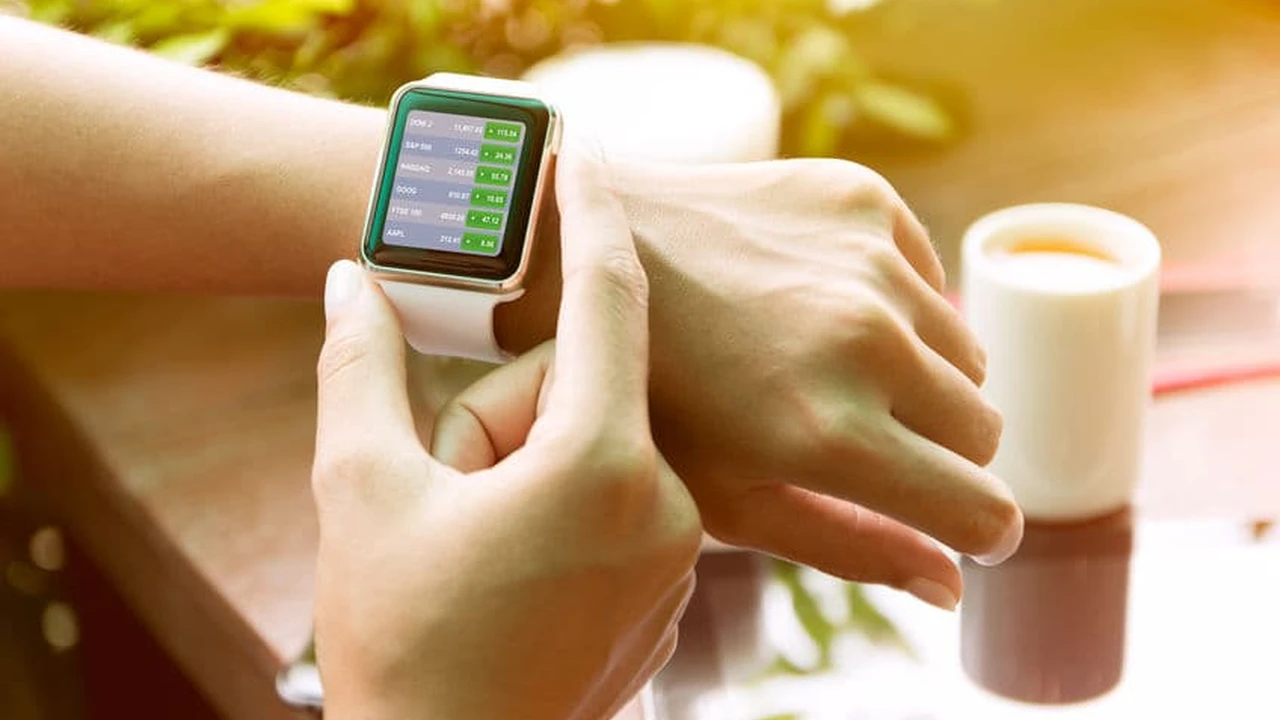
* **Example:** If you're a fitness enthusiast, have your activity rings, heart rate, and workout shortcut as complications. If you're a busy professional, display your next meeting, email count, and stock prices.
Curate Your App Selection
Just like your phone, don't clutter your smartwatch with apps you don't use. Only install those that genuinely enhance your watch experience and provide quick, glanceable information or controls. Too many apps can also impact battery life.
* **Recommendation:** Think about what you *really* need on your wrist. Do you need a full web browser, or just quick access to your smart home controls and fitness stats?
Consider Third-Party Accessories for Value
While official bands and accessories are often high quality, third-party options can offer incredible value. Just be sure to read reviews and buy from reputable sellers to ensure quality and compatibility.
* **Product Suggestion:** For Apple Watch, brands like Spigen, Nomad, and Casetify offer excellent third-party bands and cases. For Samsung and Wear OS, check out Barton Watch Bands, Supcase, and various sellers on Amazon or Etsy for unique designs.
Protect Your Investment with Screen Protectors and Cases
Customization isn't just about making it look good; it's also about keeping it safe. A good screen protector (film or tempered glass) can prevent scratches, and a case can protect the watch body from bumps and dings, especially if you have an active lifestyle.
* **Product Suggestion:** Zagg InvisibleShield or Spigen Glas.tR for screen protectors. Spigen Rugged Armor or Ringke Air Sports for cases.
The Bottom Line Your Smartwatch, Your Rules
Ultimately, your smartwatch is a personal device, and customization is key to making it truly yours. Whether you're swapping out bands to match your outfit, designing a unique watch face that reflects your personality, or curating a selection of apps that streamline your day, the possibilities are vast. Don't be afraid to experiment, mix and match, and find what works best for you. After all, your smartwatch should not only be smart but also uniquely *you*.
:max_bytes(150000):strip_icc()/277019-baked-pork-chops-with-cream-of-mushroom-soup-DDMFS-beauty-4x3-BG-7505-5762b731cf30447d9cbbbbbf387beafa.jpg)