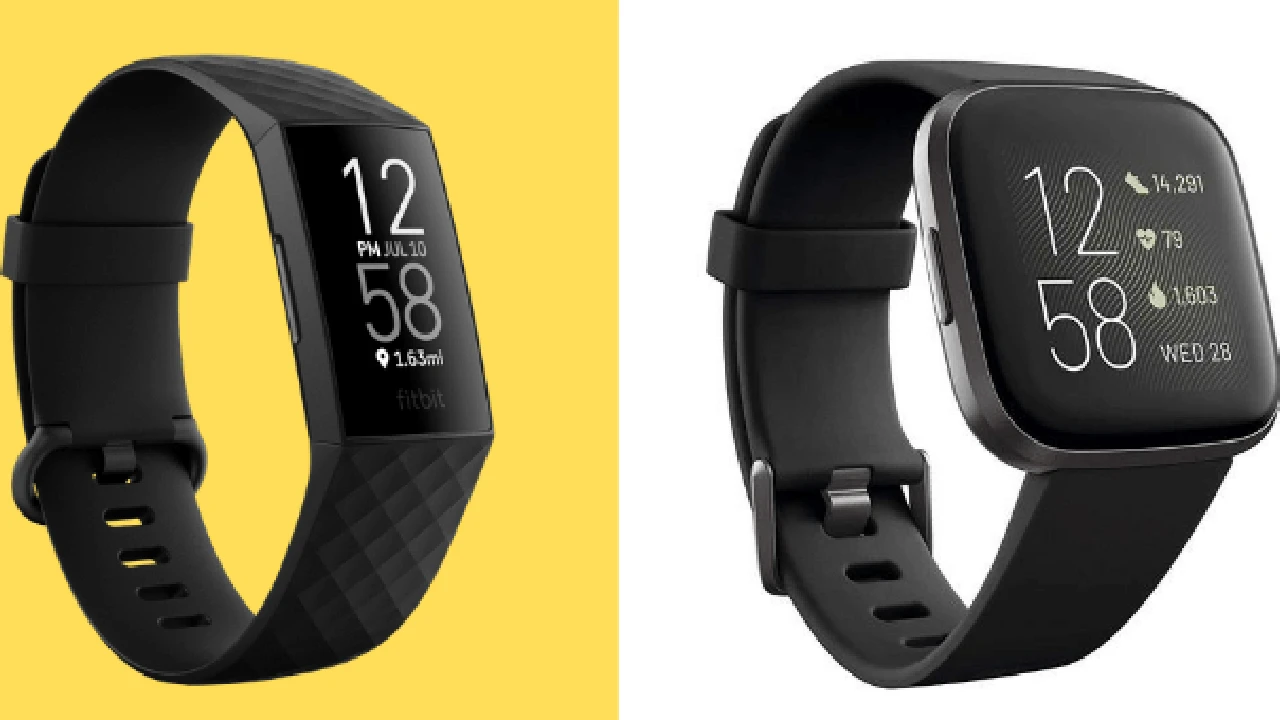
Smartwatch Speaker and Microphone Maintenance
Keep your smartwatch speaker and microphone clear and functional with these maintenance tips.
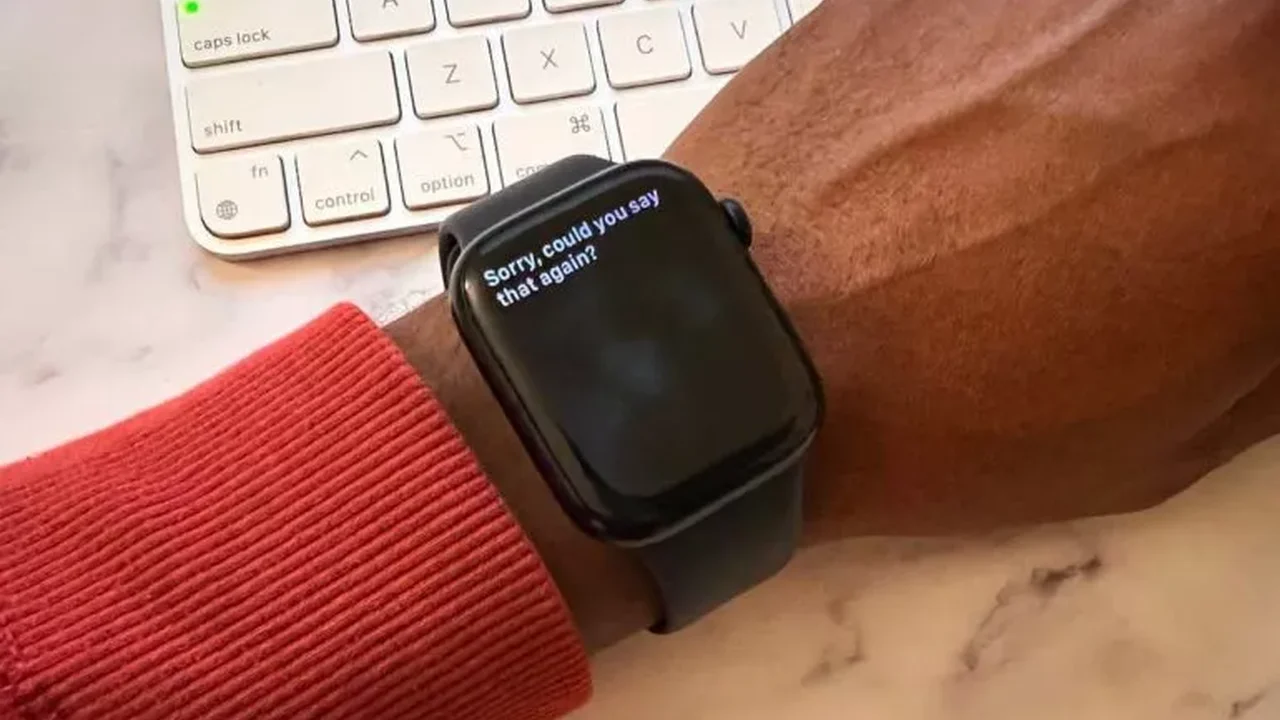
Keep your smartwatch speaker and microphone clear and functional with these maintenance tips.
Smartwatch Speaker and Microphone Maintenance A Comprehensive Guide
Hey there, smartwatch enthusiasts! We all love our smartwatches for their convenience, right? They let us check notifications, track our fitness, and even make calls or use voice assistants directly from our wrists. But have you ever stopped to think about the unsung heroes of these features? Yep, I'm talking about the tiny speaker and microphone. These little components are crucial for everything from taking a quick call on the go to barking commands at Siri or Google Assistant. Just like any other piece of tech, they need a little TLC to keep performing at their best. Neglecting them can lead to muffled audio, unresponsive voice commands, or even complete failure. So, let's dive deep into how to keep your smartwatch's speaker and microphone in tip-top shape, ensuring crystal-clear audio and responsive voice interactions for years to come.
Why Smartwatch Speaker and Microphone Maintenance Matters for Audio Quality and Voice Commands
You might be wondering, 'Why bother with such small parts?' Well, think about it. Your smartwatch is constantly exposed to the elements. Sweat from workouts, dust from daily activities, lint from your clothes, and even tiny food particles can easily find their way into those small openings where the speaker and microphone reside. Over time, this buildup can block the sound waves from the speaker, making your calls sound distant or your music muffled. Similarly, it can obstruct the microphone, making it hard for others to hear you during calls or for your voice assistant to understand your commands. Regular maintenance isn't just about cleanliness; it's about preserving the functionality and extending the lifespan of your device. A well-maintained speaker and microphone mean you'll always enjoy clear audio and seamless voice control, enhancing your overall smartwatch experience.
Common Issues Affecting Smartwatch Audio and Voice Input Troubleshooting Tips
Before we get into the nitty-gritty of cleaning, let's quickly touch upon some common issues you might encounter and how to troubleshoot them. Sometimes, a problem isn't due to dirt but something simpler.
Low or Muffled Speaker Volume Smartwatch Audio Troubleshooting
- Check Volume Settings: This might sound obvious, but sometimes the volume is just turned down. Go into your smartwatch's settings and ensure the media and call volumes are at an appropriate level.
- Restart Your Smartwatch: A simple restart can often fix minor software glitches that might be affecting audio output.
- Disconnect Bluetooth Devices: If your smartwatch is connected to Bluetooth headphones or another audio device, the sound might be routing there instead of the internal speaker. Disconnect any external audio devices.
- Check for Software Updates: Ensure your smartwatch's operating system is up to date. Manufacturers often release updates that fix audio bugs.
Unresponsive Microphone or Poor Call Quality Smartwatch Voice Input Fixes
- Check App Permissions: For voice assistants or calling apps, ensure they have permission to access the microphone in your smartwatch settings.
- Restart Your Smartwatch: Again, a quick restart can work wonders for microphone issues.
- Test in a Quiet Environment: Background noise can significantly impact microphone performance. Try using the microphone in a quiet room to rule out environmental factors.
- Check for Obstructions: Visually inspect the microphone hole for any obvious debris.
If these troubleshooting steps don't resolve the issue, it's likely time for a good cleaning.
Essential Tools for Smartwatch Speaker and Microphone Cleaning Safe and Effective Methods
When it comes to cleaning delicate electronics, you need to be careful. Avoid harsh chemicals, abrasive materials, or anything that could push debris further into the device. Here's a list of safe and effective tools:
- Soft, Lint-Free Microfiber Cloth: Ideal for wiping down the surface and removing smudges without leaving fibers behind.
- Soft-Bristled Brush: A clean, dry toothbrush (a new one, please!), a small detailing brush, or even a soft paintbrush can be used to gently dislodge dust and debris from the speaker and microphone grilles.
- Compressed Air Can: Use short, controlled bursts from a distance to blow away loose dust. Important: Hold the can upright to prevent propellant from spraying out, and avoid spraying directly into the openings from too close, as this can damage internal components.
- Rubbing Alcohol (Isopropyl Alcohol 70% or higher): For stubborn grime, a tiny amount on a cotton swab can be effective. Ensure it's isopropyl alcohol, as it evaporates quickly and leaves no residue.
- Cotton Swabs or Q-tips: Perfect for precise cleaning of small areas.
- Wooden Toothpick or Plastic Pry Tool: For very carefully dislodging stuck-on debris. Use with extreme caution to avoid scratching or damaging the grilles.
Step-by-Step Guide to Cleaning Your Smartwatch Speaker and Microphone Detailed Instructions
Now, let's get down to business. Follow these steps carefully to clean your smartwatch's speaker and microphone effectively and safely.
Preparation Before Cleaning Your Smartwatch
- Power Off Your Smartwatch: Always turn off your device before cleaning to prevent accidental inputs or damage.
- Remove the Watch Band: If possible, remove the watch band to give yourself better access to the sides of the watch where the speaker and microphone are often located.
- Gather Your Tools: Have all your cleaning tools ready and within reach.
Cleaning the Speaker Grille Smartwatch Audio Output Care
The speaker grille is usually a small mesh or a series of tiny holes. This is where sound comes out.
- Gentle Brushing: Take your soft-bristled brush and gently brush over the speaker grille. Use light, sweeping motions to dislodge any surface dust or lint. Do not press hard.
- Compressed Air: Hold the compressed air can upright and about 6-8 inches away from the speaker grille. Use short, controlled bursts to blow away any remaining loose debris. Avoid prolonged sprays.
- Microfiber Wipe: After brushing and air, wipe the area with a clean, dry microfiber cloth to remove any lingering dust.
- For Stubborn Grime (Use with Caution): If there's visible, stuck-on grime, lightly dampen a cotton swab with isopropyl alcohol. Gently dab and wipe the grille. Do not let liquid seep into the openings. Immediately wipe dry with a clean, dry part of the swab or microfiber cloth.
Cleaning the Microphone Hole Smartwatch Voice Input Care
The microphone hole is often even smaller than the speaker grille, sometimes just a tiny pinhole. It's usually located on the side or bottom of the watch.
- Gentle Brushing: Similar to the speaker, use your soft-bristled brush to gently brush over the microphone hole. Be extra careful here due to its small size.
- Compressed Air: Again, use short, controlled bursts of compressed air from a distance to clear any dust.
- Wooden Toothpick or Plastic Pry Tool (Extreme Caution): If you see a piece of debris visibly stuck in the microphone hole, you can very, very carefully try to dislodge it with the tip of a wooden toothpick or a plastic pry tool. Do not insert it deeply, and do not apply any force. The goal is to gently lift the debris out, not push it in. This step should only be attempted if absolutely necessary and with the utmost care.
- Microfiber Wipe: Finish by wiping the area with a clean, dry microfiber cloth.
Preventative Measures for Smartwatch Speaker and Microphone Longevity Daily Habits
Prevention is always better than cure! Adopting a few simple habits can significantly reduce the need for deep cleaning and keep your smartwatch's audio components in top condition.
- Regular Wiping: Make it a habit to wipe down your smartwatch with a clean, dry microfiber cloth daily, especially after workouts or if it gets exposed to dust.
- Avoid Direct Water Exposure (Beyond Water Resistance): While many smartwatches are water-resistant, avoid intentionally submerging them or exposing them to strong jets of water, which can force debris into openings. After swimming, rinse with fresh water and dry thoroughly.
- Protect During Activities: If you're doing something particularly dusty or dirty (e.g., gardening, construction), consider taking off your smartwatch or using a protective case that covers the openings.
- Store Properly: When not wearing your smartwatch, store it in a clean, dust-free environment.
- Avoid Harsh Environments: Try to minimize exposure to environments with excessive dust, sand, or fine particles.
Recommended Smartwatches with Durable Audio Components and Easy Maintenance
While all smartwatches benefit from maintenance, some are designed with more robust or easily accessible audio components. Here are a few popular models known for their durability and relatively easy maintenance, along with their typical use cases and price ranges:
Apple Watch Series 9 Premium Smartwatch for iPhone Users
- Description: The latest flagship from Apple, known for its seamless integration with the Apple ecosystem, advanced health tracking (ECG, SpO2, temperature sensing), and robust build quality. The speaker and microphone are well-integrated and generally durable.
- Use Case: Ideal for iPhone users who want a comprehensive health and fitness tracker, communication device, and smart assistant on their wrist. Great for daily wear, workouts, and casual calls.
- Maintenance Notes: The speaker grille and microphone hole are small but accessible. Regular wiping and gentle brushing are usually sufficient. Apple's water resistance is excellent, but always dry thoroughly after water exposure.
- Typical Price: $399 - $499 (GPS), $499 - $599 (GPS + Cellular)
Samsung Galaxy Watch 6 Classic Android Smartwatch with Physical Bezel
- Description: Samsung's top-tier smartwatch for Android users, featuring a classic design with a rotating physical bezel for navigation. It runs Wear OS, offering a wide range of apps and robust health tracking. The speaker and microphone are well-placed for calls and voice commands.
- Use Case: Best for Android phone users, especially Samsung Galaxy owners, who appreciate a traditional watch aesthetic combined with modern smartwatch features. Excellent for fitness, communication, and smart home control.
- Maintenance Notes: The speaker and microphone are located on the side. The physical bezel can sometimes accumulate dust underneath, so pay attention to that area during cleaning. Regular gentle cleaning is effective.
- Typical Price: $299 - $329 (Bluetooth), $349 - $379 (LTE)
Garmin Fenix 7 Series Rugged Outdoor Smartwatch for Athletes
- Description: A premium multisport GPS smartwatch built for extreme durability and extensive outdoor tracking. While its primary focus isn't calls, it does have a speaker and microphone for calls and voice assistant integration (on some models). It's designed to withstand harsh conditions.
- Use Case: Perfect for serious athletes, hikers, and outdoor adventurers who need robust GPS, long battery life, and comprehensive performance metrics. The speaker and microphone are secondary but functional.
- Maintenance Notes: Due to its rugged nature, it's more resistant to dust and debris. However, after muddy or sandy adventures, a thorough rinse with fresh water and careful drying, especially around the speaker and microphone, is crucial.
- Typical Price: $699 - $999+ (depending on model and features)
Fitbit Sense 2 Health Focused Smartwatch for Wellness Tracking
- Description: Fitbit's advanced health smartwatch, focusing on stress management, sleep tracking, and heart health. It includes a speaker and microphone for Bluetooth calls and voice assistant integration (Alexa, Google Assistant).
- Use Case: Ideal for individuals prioritizing holistic health and wellness tracking. Good for light fitness, daily wear, and quick calls.
- Maintenance Notes: The design is sleek, and the speaker/microphone openings are relatively small. Regular wiping and gentle brushing are key to preventing lint and dust buildup, especially if worn during sleep or light activities.
- Typical Price: $249 - $299
Comparison of Audio Component Durability and Maintenance Ease
When comparing these, the Garmin Fenix 7 series stands out for its inherent ruggedness, meaning its audio components are generally better protected from environmental ingress. However, its primary use case means the speaker/mic might not be as frequently used for calls as on an Apple Watch or Galaxy Watch. The Apple Watch and Samsung Galaxy Watch offer excellent call quality and voice assistant integration, and while their openings are small, they are generally well-sealed and respond well to regular, gentle cleaning. The Fitbit Sense 2 is also good, but its focus on wellness means its audio components might not be as heavily engineered for constant call usage as the more communication-centric smartwatches.
Ultimately, regardless of the model, consistent, gentle maintenance is the best way to ensure your smartwatch's speaker and microphone remain clear and functional. Don't wait until you have an issue; make cleaning a regular part of your smartwatch care routine!
When to Seek Professional Help Smartwatch Repair and Warranty
Despite your best efforts, sometimes issues persist or damage occurs. If you've tried all the cleaning and troubleshooting steps and your smartwatch's speaker or microphone still isn't working correctly, it might be time to seek professional help.
- Persistent Muffling or No Sound: If the speaker remains muffled or completely silent after cleaning, there might be an internal hardware issue.
- Microphone Not Picking Up Audio: If your voice assistant or callers can't hear you at all, even after thorough cleaning, the microphone might be faulty.
- Visible Damage: If you notice any physical damage to the speaker grille or microphone hole, it's best not to attempt further DIY fixes.
Check your smartwatch's warranty. Many manufacturers offer a limited warranty that might cover hardware defects. Contact the manufacturer's customer support or visit an authorized service center. Attempting complex repairs yourself can void your warranty and potentially cause further damage. Trust the experts when it's beyond a simple clean!
By following these tips and making maintenance a regular part of your smartwatch routine, you'll ensure your device continues to deliver clear audio and responsive voice commands, keeping you connected and in control right from your wrist. Happy smartwatching!
:max_bytes(150000):strip_icc()/277019-baked-pork-chops-with-cream-of-mushroom-soup-DDMFS-beauty-4x3-BG-7505-5762b731cf30447d9cbbbbbf387beafa.jpg)